Selecting targeting cartons
Note
All references to best should be substituted with the new mwmlite. This file only applies to SDSS DR19 and has been deprecated for all SDSS data releases DR20 and above.
Let's say we know what specific Targeting Carton we want to have a look at. We can directly select these cartons via the Targeting Filters menu.
Here's an example with a plot! Notice how you can type and the plot on the right hand side filters down to the relevant cartons.
You can look at all the SDSS-V targeting cartons at:
- Milky Way Mapper (MWM): https://www.sdss.org/dr19/mwm/programs/cartons/
- Black Hole Mapper (BHM): https://www.sdss.org/dr19/bhm/programs/cartons/
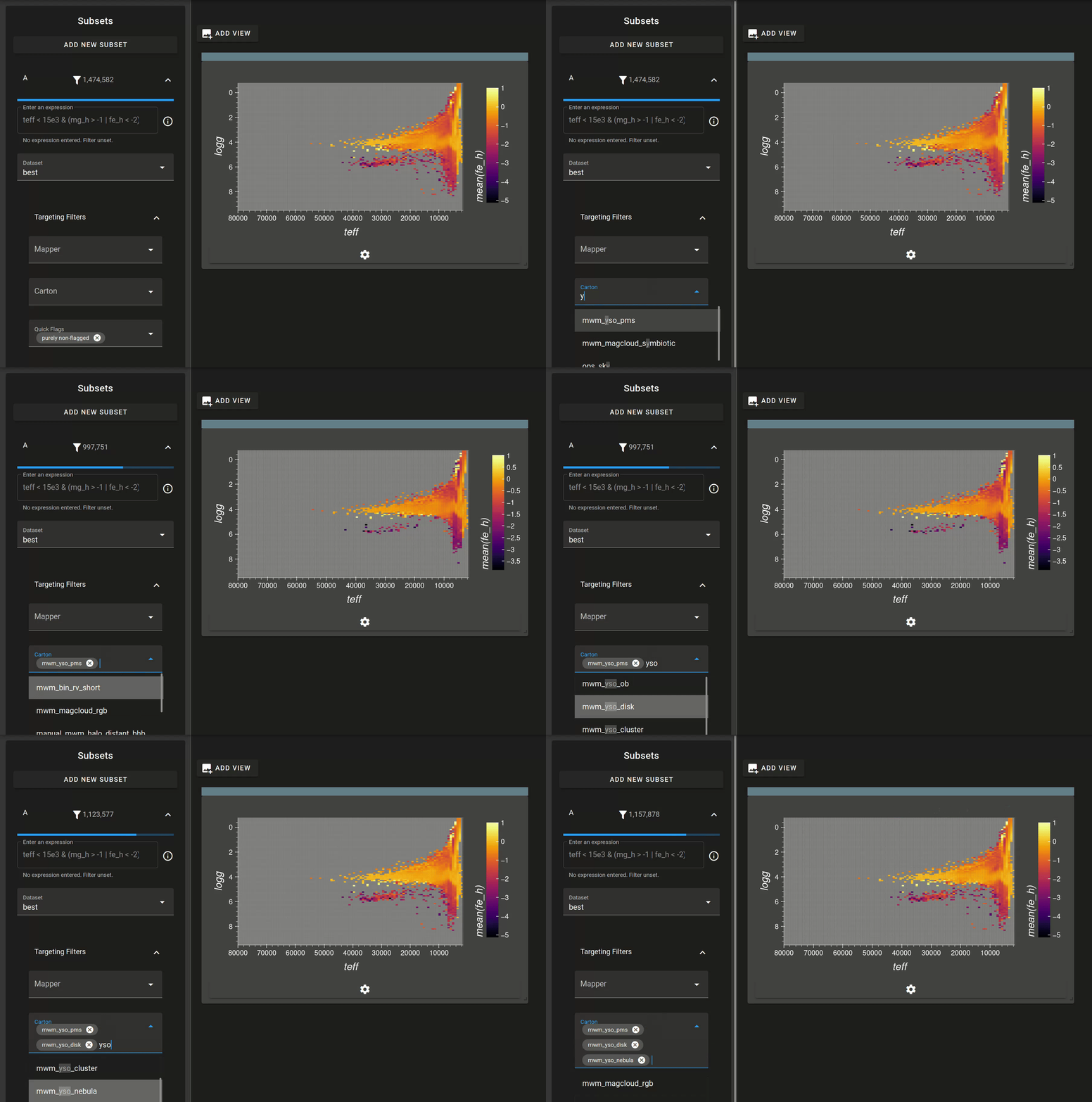
Video demonstration of using cartons to filter down to some Milky Way Mapper Young Stellar Object (MWM, YSO) targeting cartons